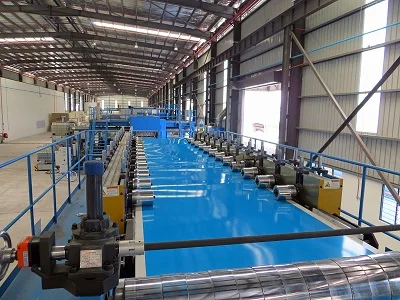
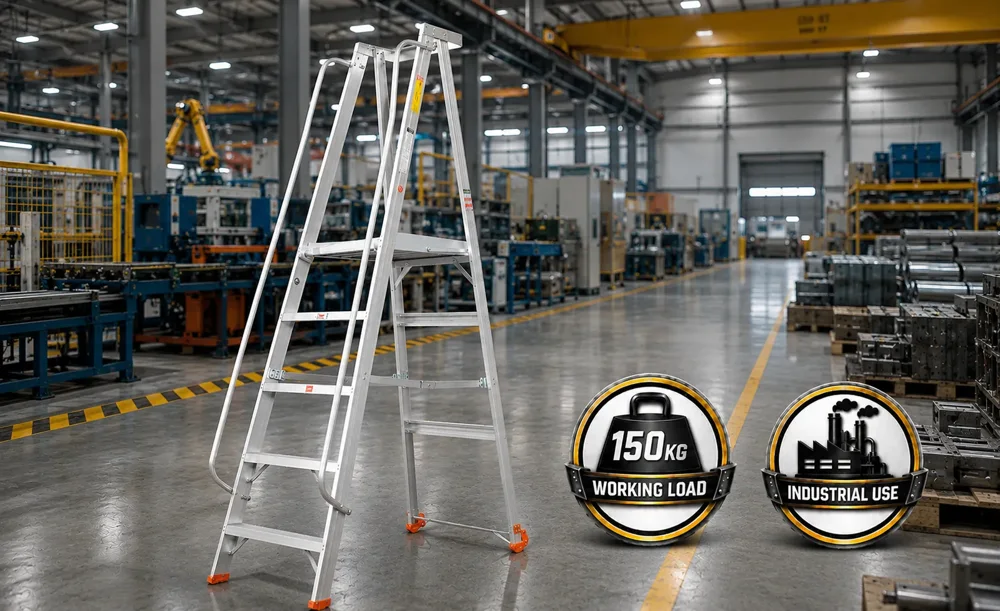
These illustrations explain the formats. They use a placeholder company and do not represent a live booking.
The weekly card appears after the topic selector and before the reading plan. The homepage weekly feature leads visitors to this page; it is not a homepage banner booking.
360S / THIS WEEK
THE FEATURED GUIDE
A practical reading task for the week.
Airflow · Filtration · Pressure · Humidity
SPONSORED
Your company
Your image, product introduction and an agreed link.
Explore your products ↗
The reading plan and checklist continue below.
360S / GUIDE OR TOOL
TECHNICAL RESOURCE
The useful content comes first.
Save a useful reference · Related resources
SPONSORED
Your company
A focused product message related to this resource.
Visit your website ↗
Placement within the supported resource widget.
360S / SUPPLIER DIRECTORY
ILLUSTRATIVE COMPANY PROFILE
Your company
Your company story, product categories and approved images.
Product rangeCompany detailsContact options
Explore your company profile ↗
Paid presentation and its disclosure are agreed before publication. Directory inclusion alone is not proof of a paid relationship.
OPEN THE EXAMPLES
See how a company can be presented.
The first two pages are sample proposals. The supplier profile is a presentation example. These links do not imply a paid sponsorship or company approval.
Company images: their respective websites, reused from the existing 360S presentation pages.
UNDERSTAND THE REPORT
Useful measures. Clear limits.
For measured weekly and resource placements, reports summarise eligible views and clicks. Ask for the current measured audience summary before agreeing a campaign.
At least half the placement visible for one second in an eligible browser session.
BUTTON CLICKS
A recorded next step.
An eligible click on the placement destination. A click does not confirm an enquiry or sale.
MEASUREMENT SCOPE
Consent matters.
Reports cover browsers that allow measurement. Administrator activity is excluded and repeats are limited.
AGREED DELIVERY
Review the actual results.
Reporting period and format are agreed. Supplier-profile measures are confirmed for the specific profile.
360S is developing its audience. These measures are not total traffic or verified people. Browser privacy choices affect coverage. No audience size, lead volume or sales result is guaranteed. Read the measurement scope ↗
FROM IDEA TO PUBLICATION
A clear path to your placement.
Every placement starts with a conversation and a reviewed scope.
Share the brief.Company, products, format, audience context and preferred timing.
Agree the scope.Placement, availability, dates, price and reporting.
Review the presentation.Confirm wording, imagery, usage permissions and destination links.
Publish and review.360S activates the agreed placement and prepares the agreed reporting.
LET’S MAKE IT CONCRETE
Prepare your placement brief.
Tell us what you want to present. Prepare a draft here, then review and send it using your own email app.
Pricing is quoted after scope and availability are confirmed.
Your brief stays in this open page. It is not saved to the website. Preparing it does not reserve a placement.
Your email app opens for review. If it does not open, copy or download the brief and email it to enquiry@360s-projects.com.
Before we start.
Does a placement recommend or certify our product?
No. Manufacturer information is separate from technical guidance. Sponsorship does not determine calculations, engineering conclusions or product recommendations.
Can a new company join?
Yes, you can discuss a new presentation with 360S. Company information, images and destinations are reviewed and prepared before a campaign can be activated. Submitting a brief does not create a public listing.
Can we choose any position on the site?
Placements use the formats and supported routes agreed with 360S. A weekly spotlight is on the weekly reading page. Homepage banners and guaranteed positions across the whole site are not included in this media kit.
What do we provide?
Your company name, official website, product information, approved logo and images, intended destination and proposed wording. Confirm that the material may be used for the agreed placement. Share documents by email after the scope is discussed.
Will 360S post to Facebook for us?
Facebook posting is managed manually. A site placement does not include a social post unless it is separately agreed.